
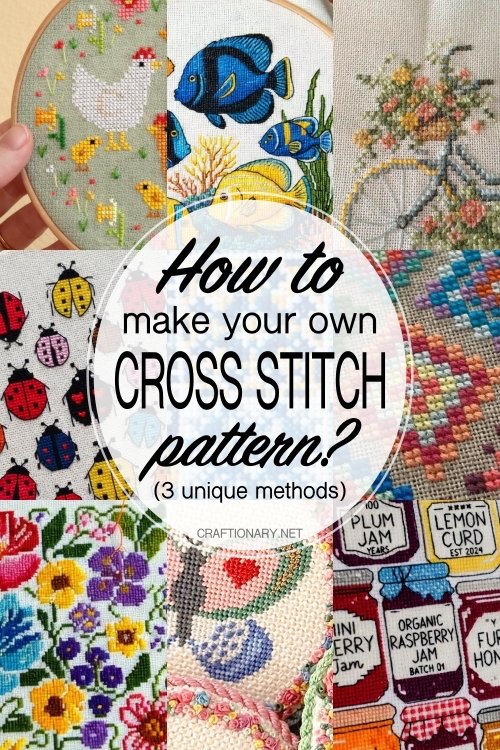

Have you ever scrolled through Pinterest or Instagram and thought, I wish I could pin that exact image.
Whether it’s a portrait of your pet, a favorite quote in a specific font, or a piece of original digital art, learning how to make your own cross-stitch pattern is the ultimate way to level up your hobby.
We’ll go through manual and digital methods of pattern design, ensuring your end product is professional, readable, and—most importantly—fun to stitch.
Why design your own pattern?
Most off-the-shelf kits are cute, but not personalized. Your own design allows you to:
- Remember the milestones: Turn wedding photos or baby announcements into heirlooms.
- Perfect size: Create designs that perfectly fit specific hoops or frames.
- Save money: Avoid the cost of expensive kits by using your existing floss stations.
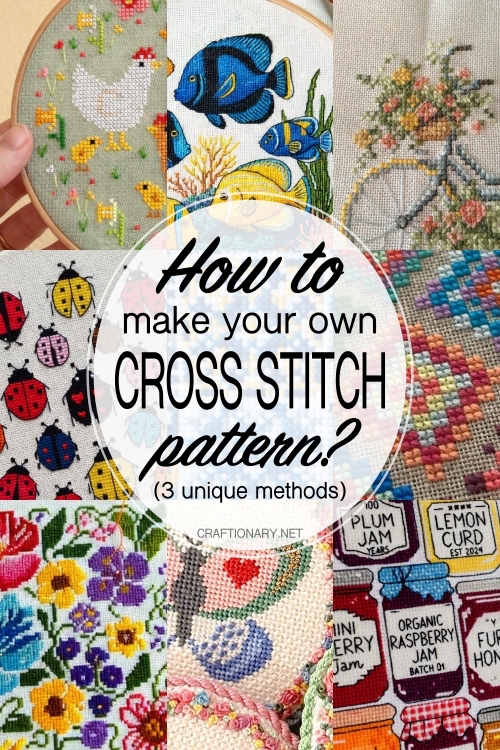
Method 1: The Old School Manual Way
Before the digital age, designers used pencil and paper. This is still the best method for small, simple designs or typography.
What you will need:
- Graph Paper: If possible use 14-count graph paper or standard grid paper where 1 square = 1 stitch.
- Tracing paper: Useful for sketching over an existing image.
- Colored pencils: To map your floss colors.
Procedure:
- Sketch the outline: Place your tracing paper over the reference image and draw the basic shapes.
- Translate to a grid: Place the tracing paper on your graph paper. Each time a line passes through a square, determine if it will be a square stitch.
- Refine the confetti: Avoid placing single, isolated stitches of one color (called confetti). In a manual design, you can simplify this to make the stitching process easier.
Method 2: The Old School Hybrid Method
If digital tools seem too harsh, you can print your image on graph paper using a very light transparency setting. Then, use colored markers to manually fill in the squares that most closely represent the colors of the image. This allows for an artistic touch that algorithms often miss—especially around eyes or fine details.
Method 3: Using Professional Software
If you want to turn a photo into a pattern or create intricate art, the software is non-negotiable. Here are the top rated tools this year:
Pro tip: If you are converting a photo, use the clean input rule. Before uploading, increase the contrast and reduce the noise in the photo editor. This prevents the software from giving a simple shadow 50 shades of gray.
Converting a photo or picture into a cross-stitch pattern is essentially a process of pixelation and color indexing. The goal is to reduce a high-resolution image to a grid of small squares, where each square represents a specific thread color.
Here are the best ways to turn any image into a stitchable pattern, from one-click solutions to manual professional methods.
1. Use dedicated online converters (fastest)
These are browser-based tools designed specifically for stitchers. They perform heavy training by automatically mapping pixels to DMC thread colors.
- Floss cross: One of the most user-friendly and advanced tools currently available. It allows you to upload an image, choose your grid size (eg, 100×100 stitches), and limit the number of thread colors to keep the project organized.
- Pic2Pat: A classic, no-frills site. You upload an image, and it generates several PDF options with different levels of detail and thread counts.
- Stitch Fiddle: Great for those who want a little more control. It handles cross-stitch, crochet and knitting patterns.
Software Method (High Quality)
If you want professional-grade patterns with high-quality symbols and backstitching options, dedicated software is the way to go.
- Winstitch / Maxstitch: This is the industry standard for pattern designers. They have advanced algorithms for dithering (mixing colors) so your finished piece doesn’t look blotchy.
- PCStitch: Another longtime favorite for Windows users that allows for photo-to-pattern conversion.
3. Graphic Design Approach (Manual Control)
If you’re already comfortable with photo editing software like Photoshop or GIMP, you can create a pixel map manually.
- Crop and Clean: Remove the background and increase the contrast of your image.
- Downsample: Go to Image Size and change the dimensions from inches/pixels to stitches. For example, if you want a 5×7 inch piece on 14-count Aida fabric, set your width to 70 pixels and height to 98 pixels.
- Posterize: Use the Posterize or Indexed Color tool to limit the number of colors (eg, set it to 15 or 20 colors). This prevents you from buying 100 different skeins of thread for a small project.
- Grid Overlay: Turn on the pixel grid to see exactly where each cross should go.
Technical Checklist for Better Practices
| symptom | recommendation | Why? |
| image type | High contrast / smooth background | A busy background turns into confetti (random single stitches) which is difficult to stitch |
| Grid size | 14, 16, or 18 counts | This refers to stitches per inch. 14 is standard, 18 allows for more detail in a smaller physical size. |
| Color limit | 15-30 colors | Too many colors make the project expensive and slow; Very few make it look like a cartoon. |
| Confetti check | Remove isolated pixels | If you see a pixel of one color surrounded by another color, remove it. It is hardly worth the effort to thread the needle for one stitch. |
How to turn a photo into a pattern: step by step
Converting photos is one of the most common reasons people want to create their own charts. Follow these steps to avoid muddy results:
- Cut tight: The more background you have, the less detail your main topic will have.
- Limit palette: A standard photo has millions of colors. Most cross-stitch patterns should be between 30-45 colors. Any more, and you’ll spend more time changing needles than stitching.
- Choose your fabric count: This determines the size.
- 14-count Aida: Bigger, easier to see.
- 18-count Aida: Small, allows for more detail in a smaller physical space.
- Squint Test: Zoom out on your digital preview and squint. If the image is still recognizable, your color placement is solid.
Key terms every designer should know
- DMC/Anchor: Industry-standard thread brands. Most software defaults to DMC.
- Backstitching: Thin lines used for outline or detail. You add these after the X stitches are mapped.
- Broken/Half Stitches: Used to create smooth curves.
- Legend/Key: A list of symbols that tells the stitcher which color corresponds to which symbol.
Frequently Asked Questions
1. Can you sell patterns made from photos?
Only if you own the copyright of the photo or it is in the public domain. Never turn a random artist’s work from the internet into a pattern to sell without permission!
2. What is the best software for beginners?
Stitch Fiddle is incredibly intuitive and runs in your browser, making it the perfect starting point for hobbyists.
3. How do you know if your pattern is too difficult?
Watch the confetti count. If you have dozens of colors that only appear once or twice in random spots, the pattern will be frustrating to stitch. Try grouping colors into blocks.
The Ultimate Checklist for Stitch-Ready Patterns
Before you print or export your PDF, make sure it contains:
- Grid: Every 10 stitches are clearly marked with more bold lines.
- Marks of Center: Arrows showing horizontal and vertical center.
- Floss Legend: Brand name, color number and symbol used.
- Stitch Size: Dimensions in inches/cm for normal fabric calculations (14, 16, 18).
I hope this photo helps to create the best cross stitch pattern.
You may also like:
How to make needlepoint playing cards
30 Practical Craft Uses for Cross Stitch Artwork
Beginner crochet plant free pattern for first time crocheters



